21-3-2017 9:20:28
1. Cài Win server 2012 Standard bình thường.
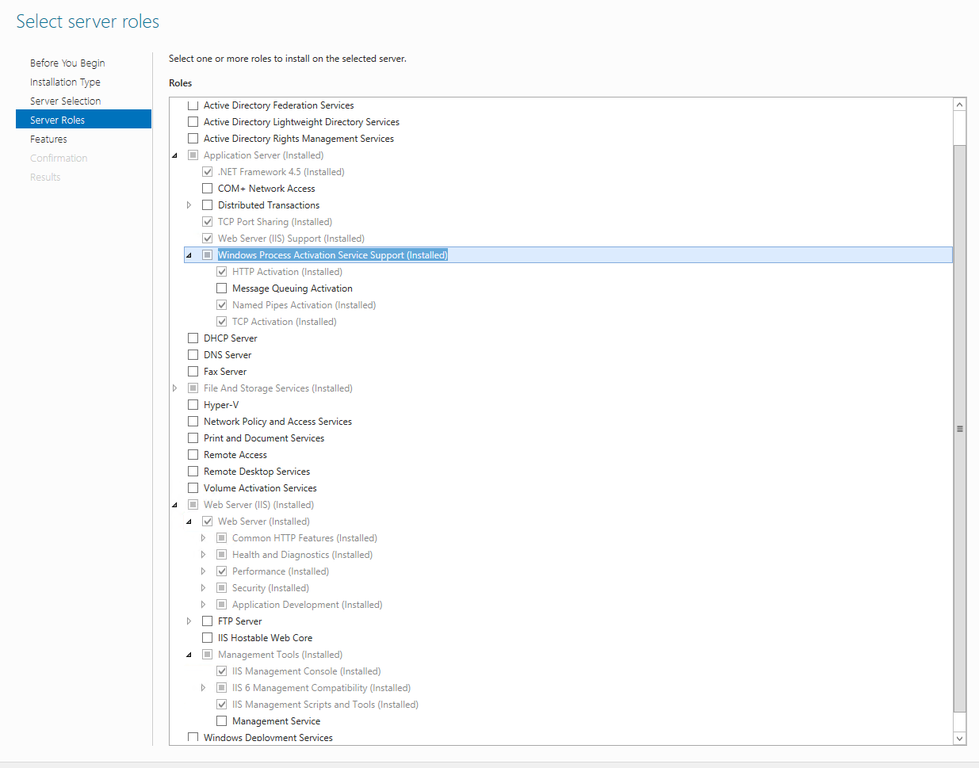
2. Cài Web IIS và Application Role như hình
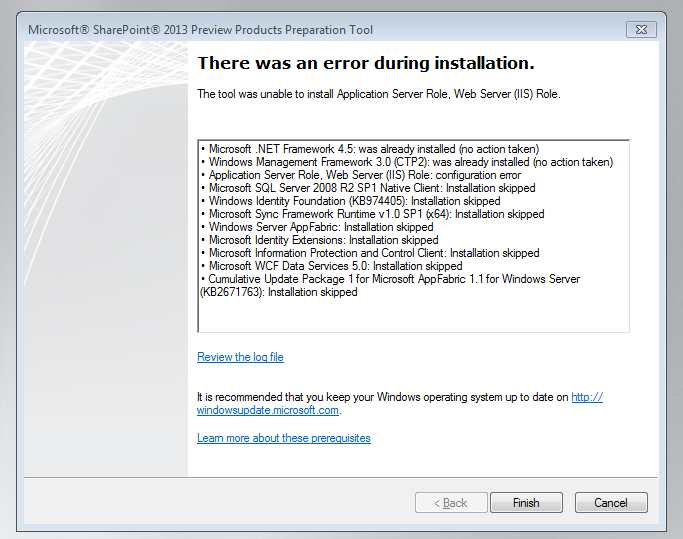
3. Khởi động lại máy (restart)
4. Cài .NET Fx3.5 phần này quan trọng nếu khong làm sẽ bị lỗi .
Nhét đĩa Dvd Win 2012 vào ổ, mở CMD với quyền Administrator. Rồi chạy lệnh
Dism /online /enable-feature /featurename:NetFX3 /All /Source:D:\sources\SxS /LimitAccess
Chờ đợi 1 lúc là xong.
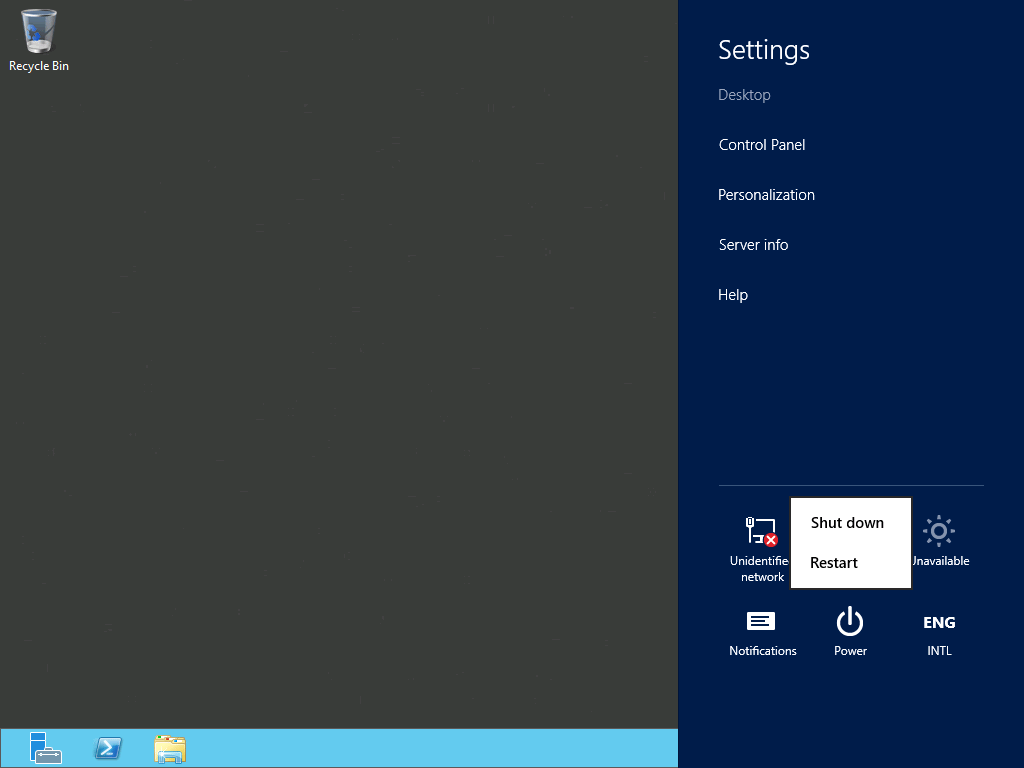
Lại khởi động lại tiếp.
5. Download bản cài Sharepoint 2013 Foundation With SP 1
https://www.microsoft.com/en-us/download/confirmation.aspx?id=42039
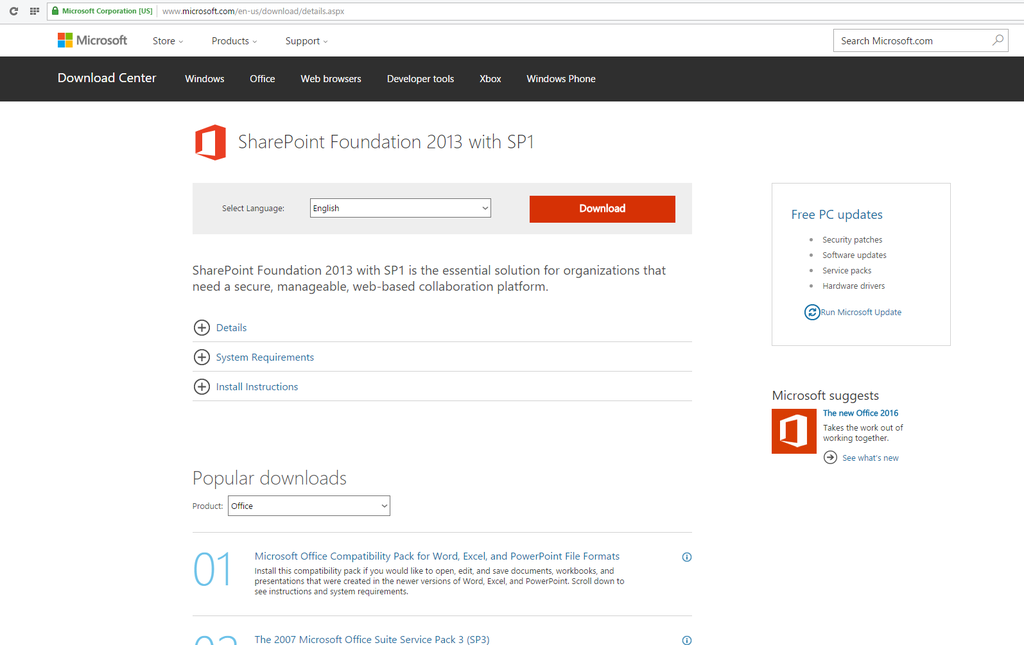
Chạy với quyền Administrator
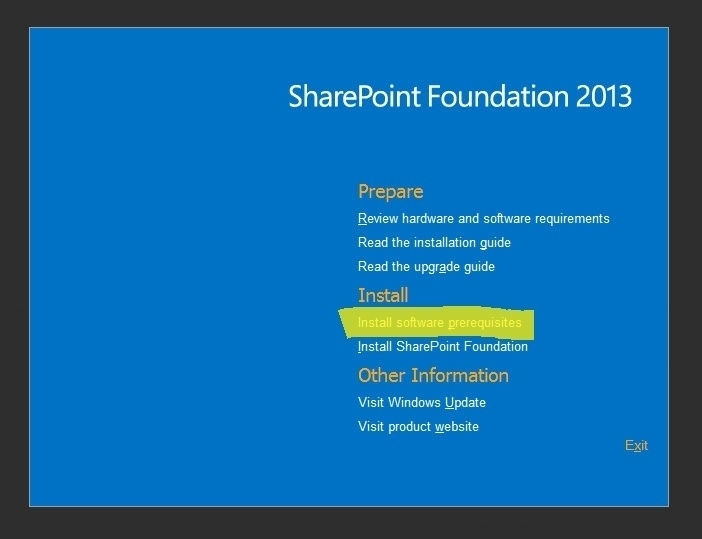
6. Cài pre-requisites trước nhé. Trong phần này nó sẽ khởi động lại vài lần (3-4 hoặc nhiều hơn). AppFabric sẽ được cài đặt đúng.
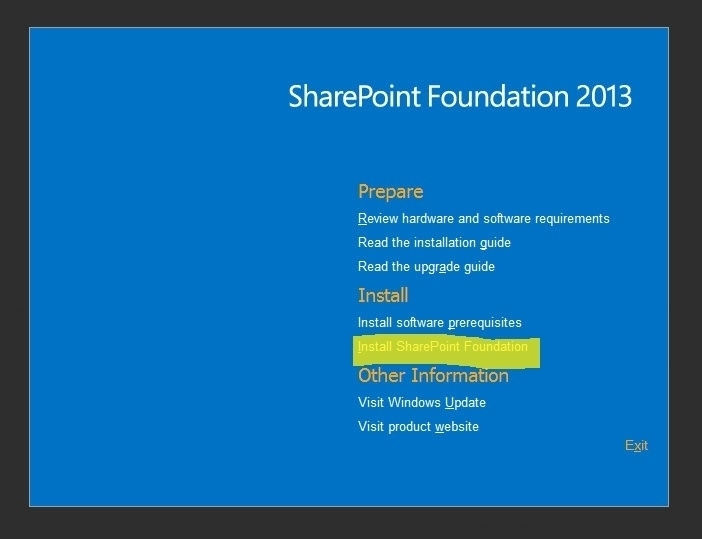
7. Cài sharepoint foundation thôi.
8. Chọn mode stand-alone cho nhàn nhé
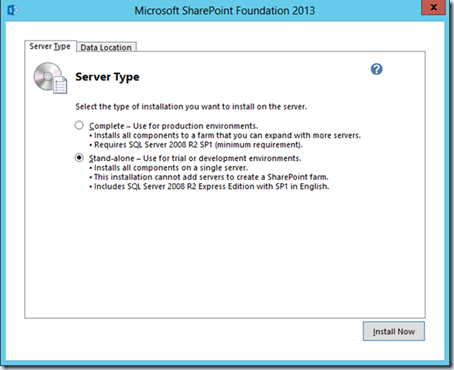
Chọn mode server farm lại dính đến Active Directory và Domain khá lằng nhằng. Còn phải cài SQL server 2012 nữa. SQL 2008 R2 dễ sảy ra lỗi.
Lại khởi động lại lần nữa
9. Mở Windows services (lệnh services.msc) đảm bảo rằng các servives
SQL Server instance
AppFabric service
trạng thái Automatic và Start.
10. Cài Sharepoint Services Pack 1
https://www.microsoft.com/en-us/download/confirmation.aspx?id=42548
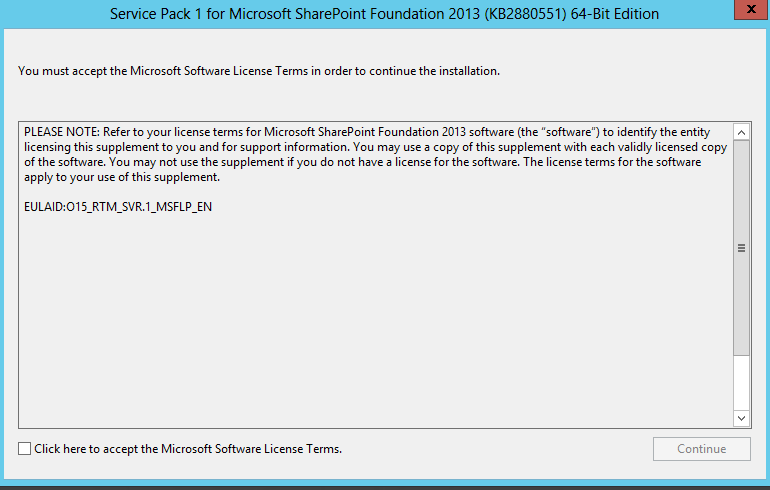
Cài xong thì chạy Sharepoint Config, nếu chạy Sharepoint Config trước sẽ bị lỗi.
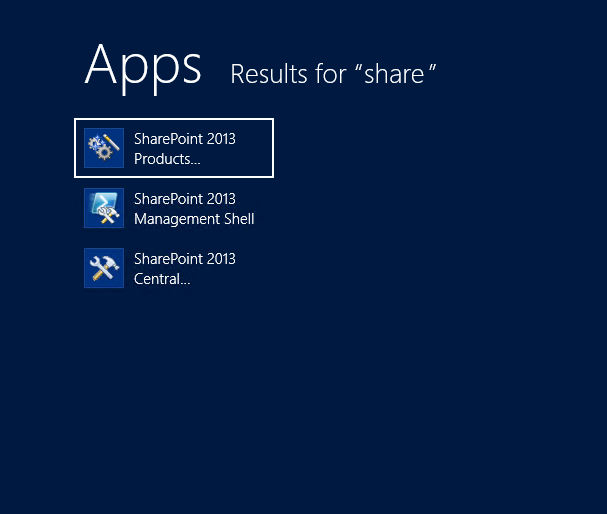
11. Chạy Sharepoint Config tools
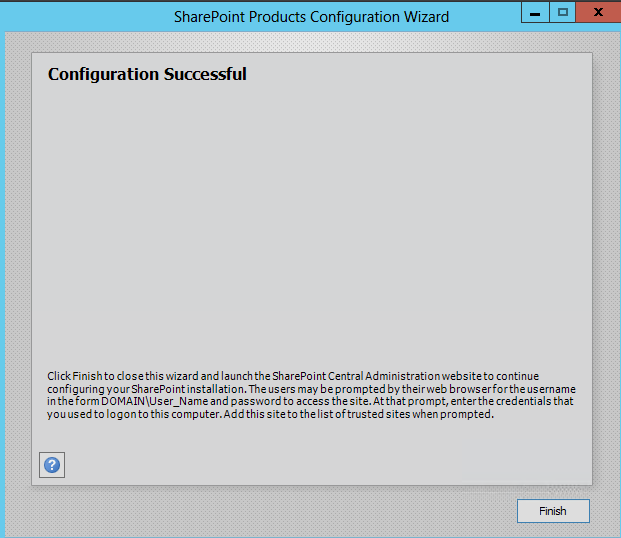
Thành công rồi
copy lại từ nguồn
https://community.spiceworks.com/how_to/124196-install-sharepoint-foundation-2013-on-windows-server-2012-standard---
Cây sẽ cho lộc và cây sẽ cho hoa ...